Settings and safety
Settings overview
Know which settings belong to this device and which belong to the current app.
Open Settings
Select the gear in the top-right title bar. Settings always refers to the app currently open, except for the device-wide sections described below.
Device-wide settings
Model providers
Connect subscriptions or bring your own provider API key. Connected models become available in the composer for every app on this device.
Accounts on this device
Saved external accounts appear inside Connections. They may be offered to compatible apps, but each app still needs its own grant.
Appearance
Choose System, Light, or Dark. System follows the operating system appearance.
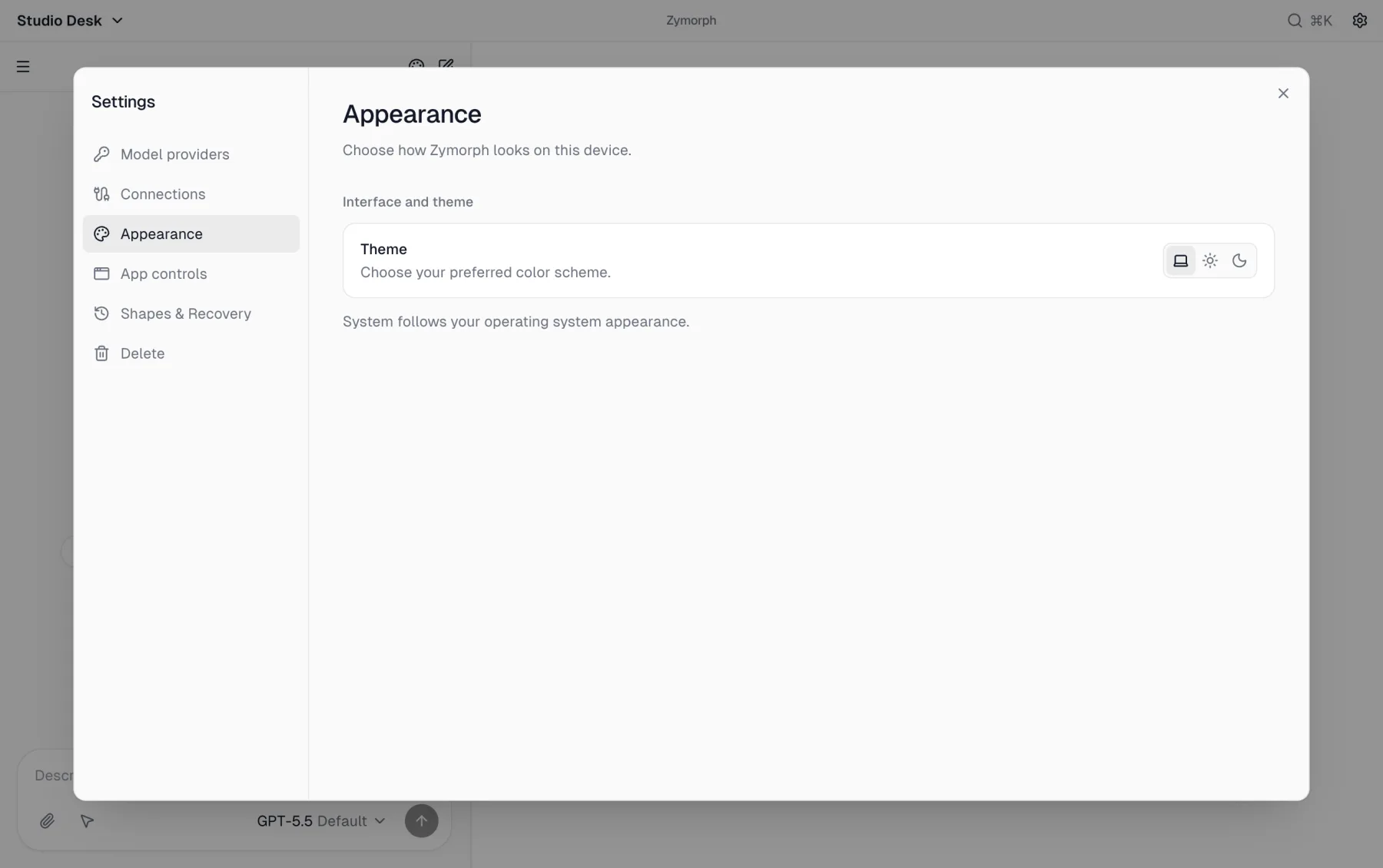 Appearance affects Zymorph on this device, not the design of the generated app.
Current-app settings
Connections
Review the external account operations requested by this app, select or add an account, revoke the app, and enter private values requested by this app.
App controls
Check whether the app is running, start/stop/restart it, manage folder access, and export or clear support information.
Recovery & checkpoints
Manage complete Recovery points and source-only version history. These are different rollback tools.
Delete
Move the current app to Trash. Zymorph asks you to type the app name. Restore or permanently delete it later from the app menu.